Quick Start Guide
Get your Pangolin AT-1 up and running with this step-by-step setup guide.
This guide walks you through the initial setup and first autonomous navigation run with your Pangolin AT-1.
Unboxing & Inspection
Before starting, verify that all items are present and undamaged:
- Check packaging for any signs of shipping damage
- Verify contents against the packing list: vehicle unit, charger, control terminal, accessories, documentation, and warranty card
- Inspect the vehicle: examine the chassis, sensors, tires, and all interfaces for transport damage
- Contact support immediately if you find any issues
Power-On Procedure
- Place the vehicle on a flat, open surface with no immediate obstacles
- Turn on the main power switch
- Wait for the onboard system to boot — the status indicator light will turn solid when ready
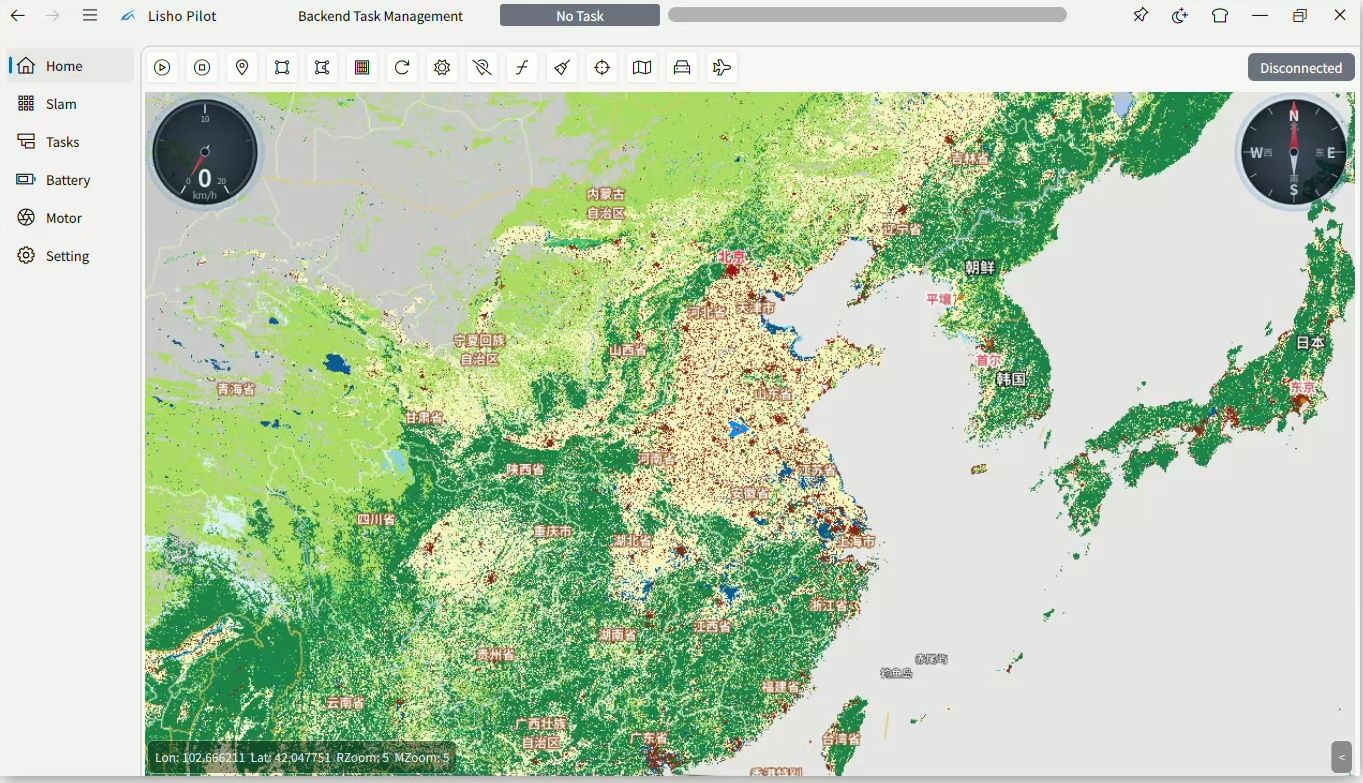
- Launch the control terminal application on your Windows, Linux, or mobile device
- Turn on the VPN to connect to the vehicle network
- Verify the vehicle status shows "Online" in the control terminal
First Autonomous Navigation
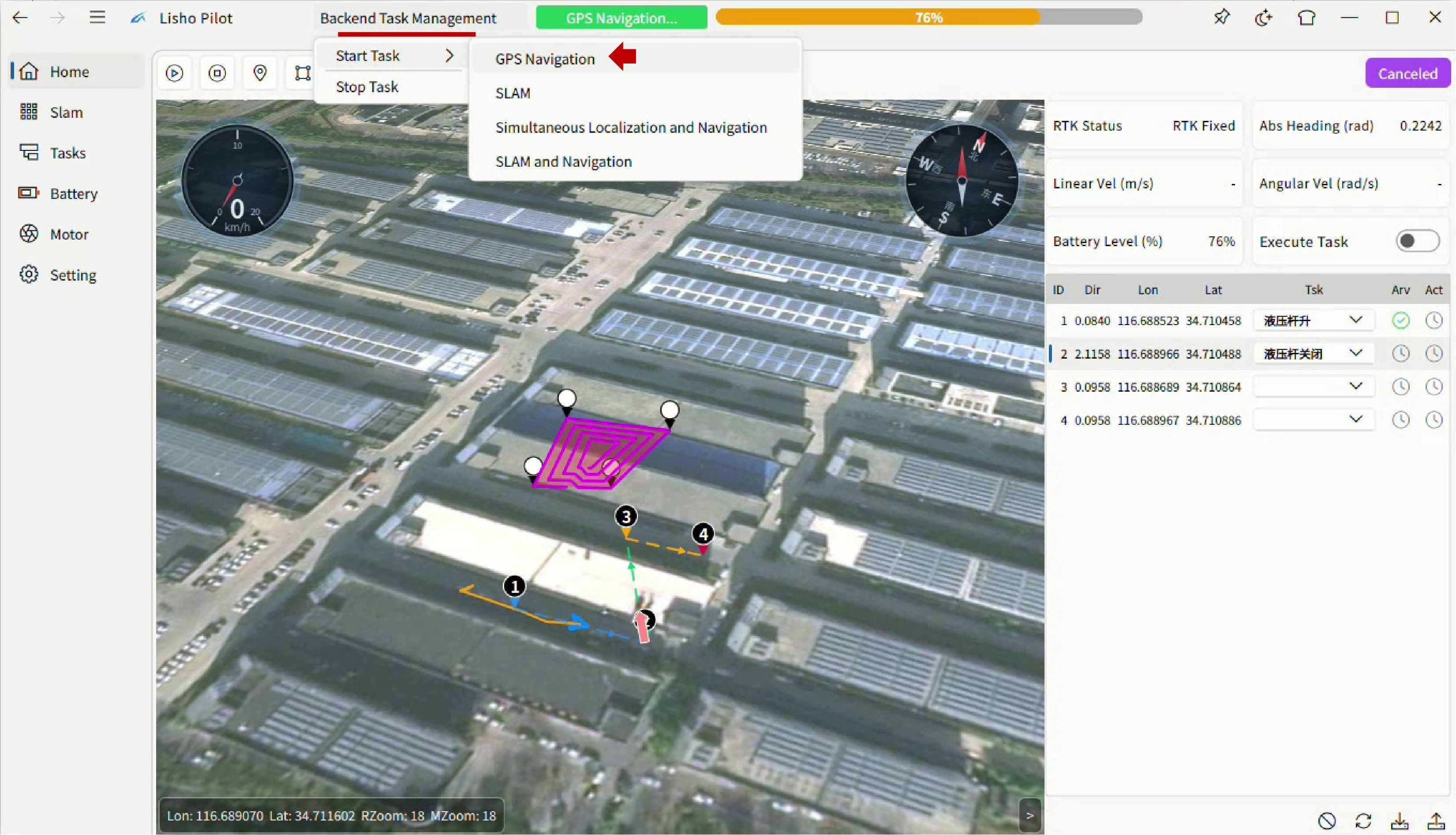
Outdoor Mode (RTK)
- Ensure the RTK antenna has a clear sky view
- Confirm RTK signal status is green (fixed solution) in the terminal
- Mark a target point on the map in the control terminal
- Send the navigation command — the vehicle will autonomously plan and execute the route
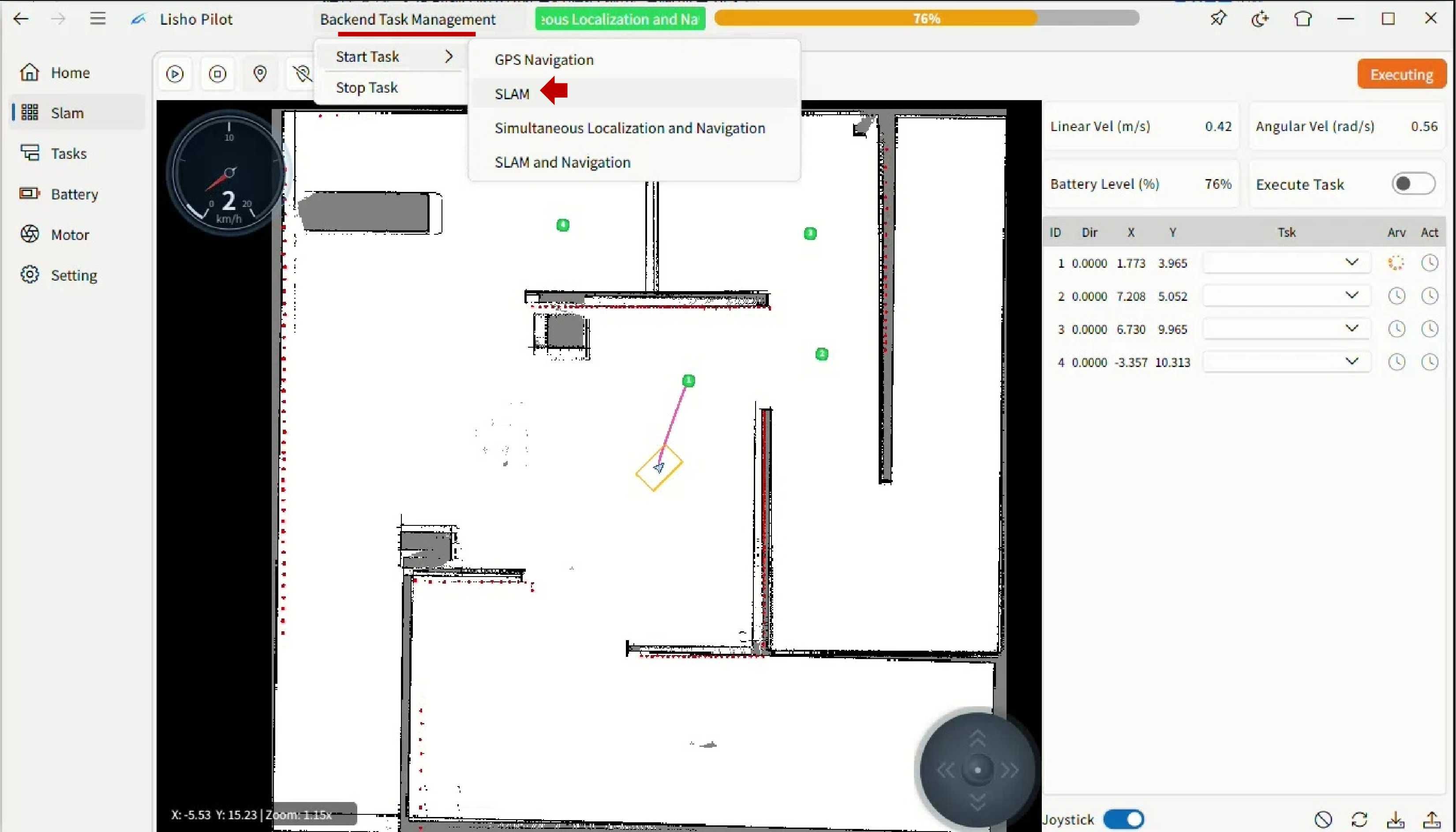
Indoor Mode (SLAM)
- Select the mapping function in the control terminal
- Use remote control mode to drive the vehicle around the area to be mapped
- Complete a full loop of the space to build a comprehensive map
- Save the map once coverage is satisfactory
- Switch to autonomous navigation mode and set target points on the saved map
Safety Reminders
- Always test the emergency stop function before the first autonomous operation
- Ensure the emergency stop button is accessible during all operations
- Verify passage width and height meet vehicle clearance requirements
- Do not operate in thunderstorms or hazardous environments